Web-based email account
Step 1
Login your web-
can reset all the other accounts through User Adminstration. Admin account
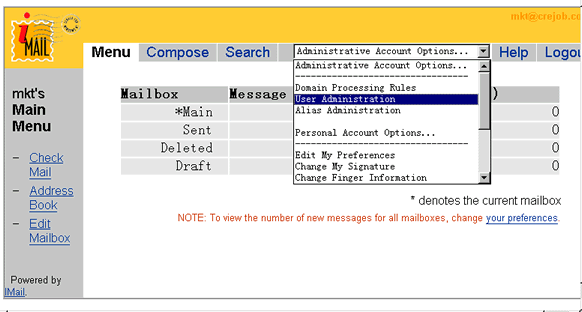
account, but after forwarding, you will not receive message in your
current account.
Web-based email account
Step 1
Login your web-
can reset all the other accounts through User Adminstration. Admin account
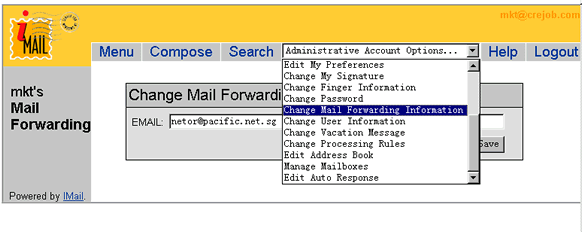
account, but after forwarding, you will not receive message in your
current account.